The Complete Guide for Associate Coaches to Work Smarter, Not Harder
Streamline your coaching workflow, reduce admin time, and focus on client impact. Discover how Delenta helps associate coaches manage sessions effortlessly.
5 min read
As an associate coach, you’re on the front lines of transformation guiding clients through growth, mindset shifts, and real results. Whether you're coaching individuals, teams, or corporate leaders, your role is essential to the success of every program you're part of.
You likely work under a larger coaching brand or organization, delivering sessions to clients assigned to you either one-on-one or within structured programs. And while the coaching itself is what you’re passionate about, the day-to-day reality often includes much more than just showing up for sessions.
You know the feeling:
Manually tracking sessions and notes
Searching for files in five different places
Copy-pasting reminders and follow-ups
Juggling schedules across platforms
This behind-the-scenes workload often leads to frustration, inefficiency, and burnout not because coaches lack capability, but because systems haven't kept pace with the way coaching is being delivered at scale.
That’s where Delenta comes in.
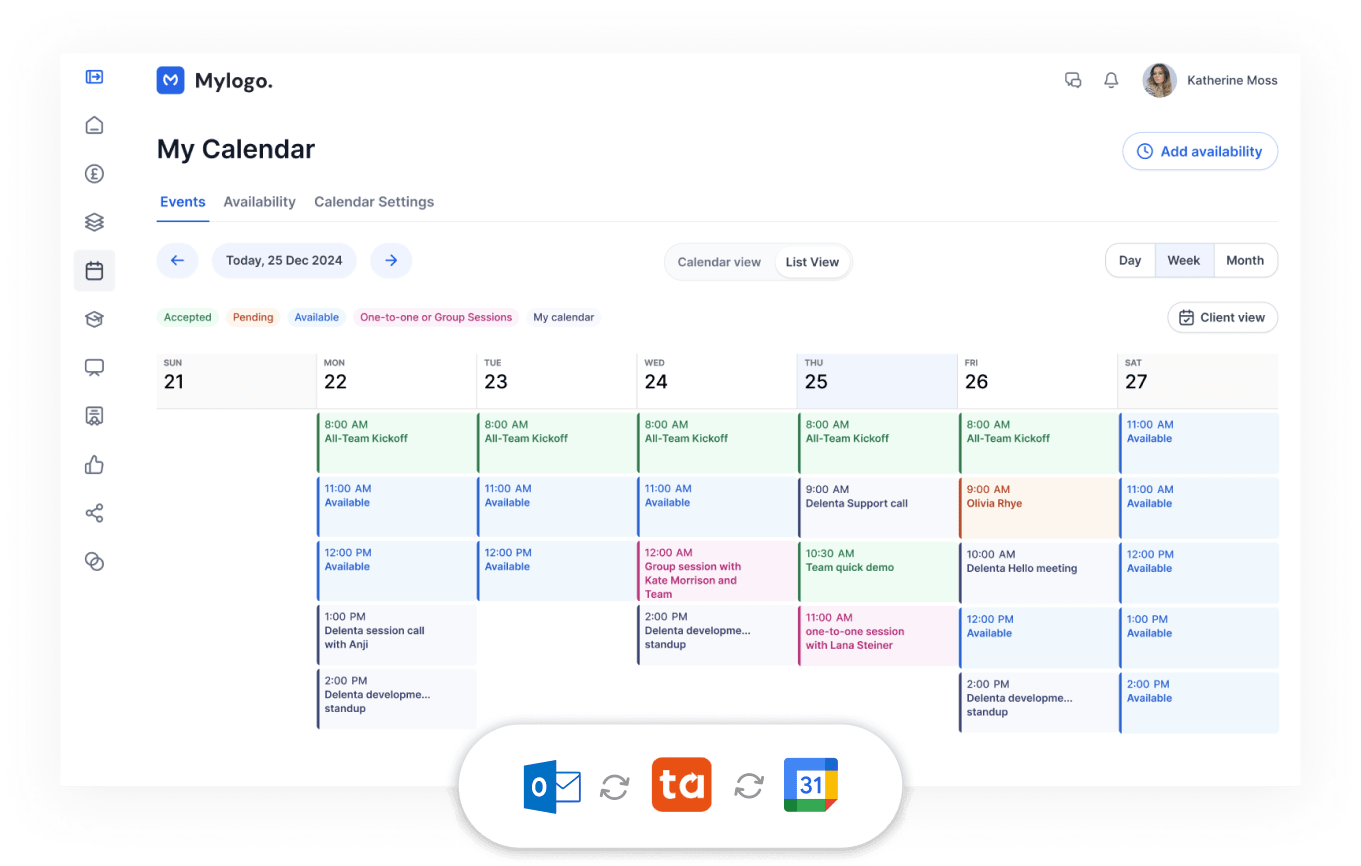
Delenta is designed to streamline your coaching workflow, eliminate admin distractions, and ensure that every minute you spend is either client-facing or truly valuable to your practice.
Whether you're working with 1:1 clients, supporting a corporate engagement, or part of a growing associate team, Delenta helps you stay focused on what you do best coaching.
This simple guide is here to support you with:
Onboarding clients smoothly
Managing your sessions confidently
Sharing content easily
Supporting client progress from one central place
Let’s make the admin easier — so you can maximize your impact.
Delenta Coach & Client FAQ
A simple step-by-step guide to onboarding, managing sessions, and helping clients get started on Delenta.
If your login isn’t working, try resetting your password (follow the onscreen link). Still stuck? Contact Delenta Support on LIVE chat or support@delenta.com for help.
Double-check your login details. If you still have issues, reset your password.
For any ongoing issues, reach out to Delenta support via LIVE chat or checkemail us at support@delenta.com.
3. How do I invite a client to register for a package?
Go to Packages in your coach dashboard.
Click on the 3 dots to access the menu. Copy link for the package.
Share the link with your client & ask them to register.
The client will get an email letting them know they have successfully registered to the program, with a link to access their client portal.
4. What does my client see when they sign in?
Clients follow the registration link, set a password, and land in their client portal. They can send you a message, see your profile, or book sessions directly.
You can also create your own tasks/goals under My Tasks and keep yourself on track for your coaching.
5. Rescheduling or Canceling a Session
Log in and go to My Sessions.
Click on the session you wish to change. Use the reschedule/cancel options.
If you can’t find the option, contact your coach directly.
6. Accessing Resources
Any files or links your coach shares with you will appear in the Resources or Notes section of your portal. You’ll also receive an email if a file is shared with you.
7. If you have trouble signing in
Use the password reset link or contact your coach for help.
You’re Here to Coach. Delenta is Here to Support That.
Whether you're working with a single executive or facilitating group programs, you deserve a platform that makes your job easier, not more complex.
Delenta is proud to support associate coaches like you who are delivering real change inside organisations and communities. This guide is your toolkit to stay productive, efficient, and client-focused - while cutting down the admin noise.
Let’s keep your focus where it belongs: on the people you coach, not the systems you manage.
Need help? Feel free to book a quick call with our team.
Feeling limited by SimplyCoach? Read our detailed comparison with Delenta. Discover why savvy coaches switch for better automation, branding, and client management. Make an informed decision.
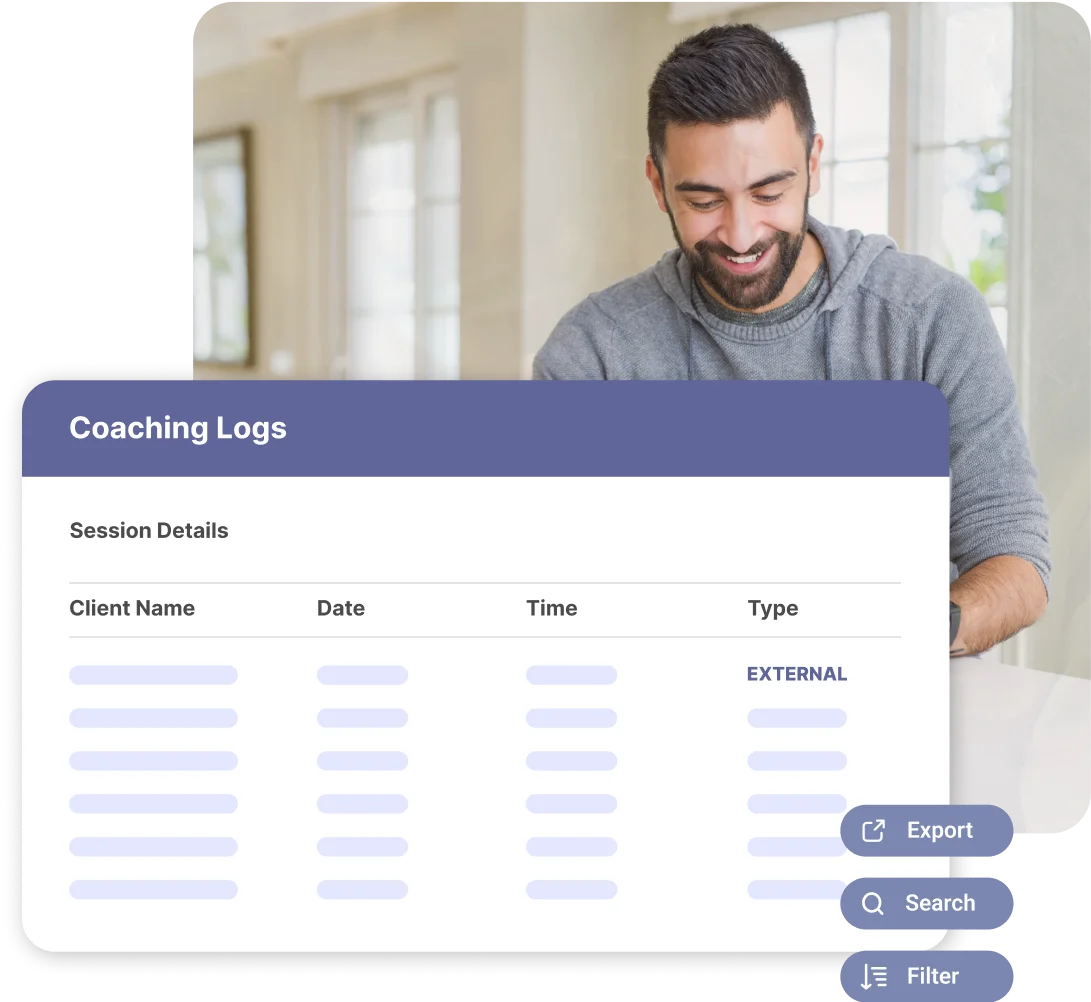
Achieve total transparency for your coaching team. Delenta logs every admin hour and session for airtight accountability & audit-ready reports. See how.
Tired of spreadsheet chaos? Learn how to automatically track coaching hours per client, coach, and program. Simplify ICF credentialing and manage prepaid retainers with Delenta.
Let's get your coaching running smoothly.
Coaching on your own? Start free today. Running a team or a company program? Book a demo.